Attitude Trend Capcut Template – Right now, a new editing trend is exploding across Instagram Reels, and creators everywhere are using it to grab massive views. If you’ve seen those videos where a simple romantic clip suddenly switches into a powerful “attitude” scene with dramatic music and effects, then you already know how viral this style has become. The video usually starts with a soft romantic song and a normal clip, but within seconds, the screen freezes on a stylish edited image while an intense Sidhu Moose Wala track drops in the background. That sudden mood change is what makes the edit so eye-catching. If you also want to create this trending reel, you are in the perfect place. In this article, you will learn how to make the entire video using a CapCut template. The best part is that you don’t need advanced editing skills. By following a few simple steps, you can create a professional-looking viral reel in just a few minutes.
About the Attitude Trend CapCut Template
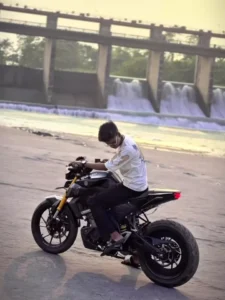
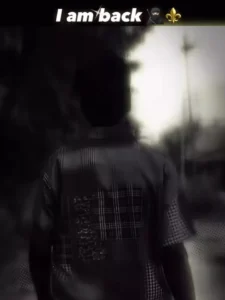
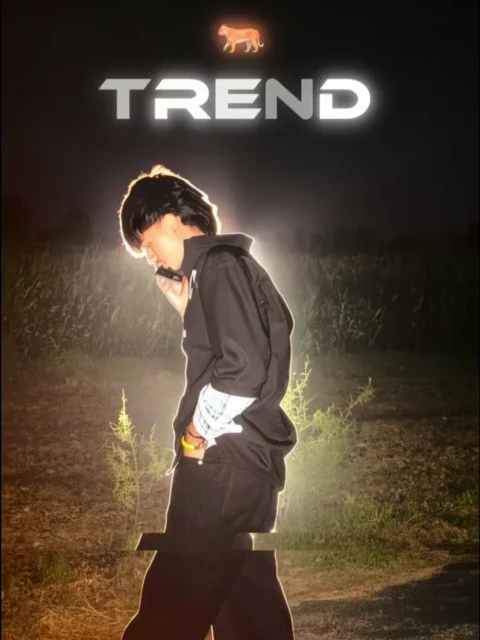
This template follows a very unique editing pattern that instantly catches attention. The first part of the video remains simple and emotional, usually with a romantic background song and light blur effects. Then the entire vibe changes suddenly when the music switches to an attitude-themed track. At that moment, the video freezes and shows a stylish AI-edited image with glitch and vibration effects. To create this effect, creators normally take a screenshot from the main video clip and edit it using Instagram’s “Lo-Fi Dusk” filter. After applying the filter, the image is added into the second section of the template. This combination of soft emotions and aggressive attitude creates a dramatic transformation that viewers love watching repeatedly. Because of this unique transition style, the trend is currently getting huge engagement on Instagram and other short-video platforms.
What You Need for This Editing
To make this reel properly, you only need one good video clip. Try to use a clip where you are walking confidently or giving an attitude pose. Make sure the final frame of the video looks stylish because you will use that frame as a screenshot for the second part of the edit. After taking the screenshot, open Instagram and apply the “Lo-Fi Dusk” filter to enhance the image. Once the image is ready, open the CapCut template and upload your original video in the first section. Then upload the filtered screenshot in the second section. The template will automatically apply all the trending effects, transitions, and music timing for you.

How to Use the Attitude Trend CapCut Template
Using this template is very simple. There are mainly two ways to access it. The first method is by opening the CapCut app and searching for the template manually inside the Templates section. However, because thousands of templates are already available, finding the exact one can sometimes become difficult.
The easier method is to use the direct template link provided in the article. Once you tap the “Check Template” button, the template will automatically open inside the CapCut application. After that, you only need to follow a few steps:
- Open the template directly in CapCut
- Watch the preview video shown on the screen
- Tap the “Use Template” button
- Upload the required clips and screenshot
- Click “Next” and wait a few seconds
- CapCut will automatically generate the full edited video
- Save the reel to your device and upload it on Instagram
That’s it. Your trending attitude reel will be ready within minutes.
Final Words
This editing style is becoming extremely popular because of its powerful mood transition and stylish effects. Many creators are getting impressive reach and views using this trend, so trying it yourself can definitely help your reels perform better. The combination of romantic vibes and attitude energy makes the video more engaging and memorable for viewers.
I hope this guide helped you understand the complete editing process. Now it’s your turn to create your own viral attitude reel and surprise everyone with your editing skills.